
Where your novels actually live: every data type, one straight answer each
Imported books, continuation branches, BYOK keys, chat logs, character cards — where each one is stored, who can read it, how to back it up, how to delete it. Answered item by item, including the thing we don't have yet: automatic cloud sync.
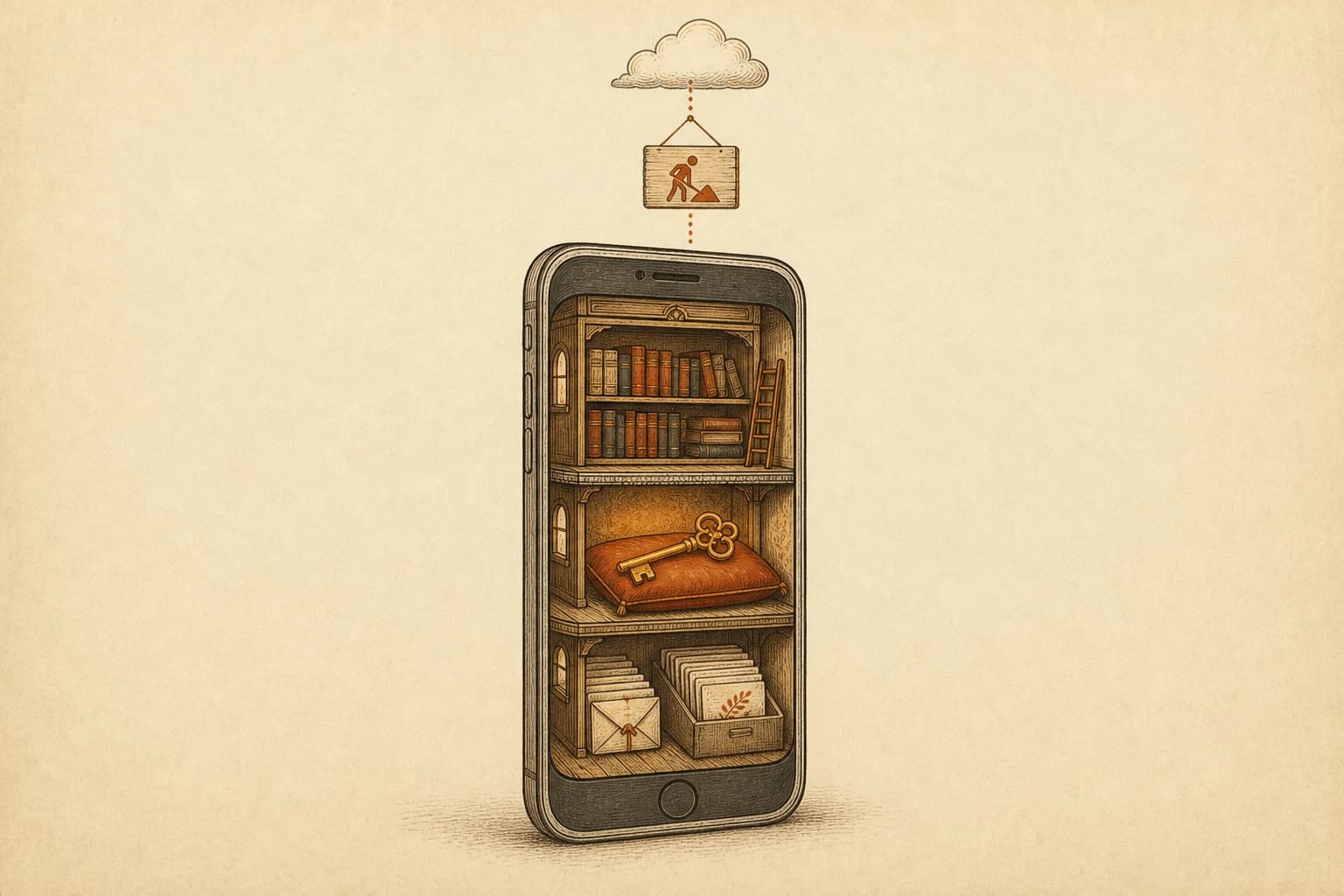
The question our waitlist inbox asks most, in a dozen phrasings: “if I import my books, do you keep a copy?” We wrote before about why everything in Foreverse is a file — that piece argues the philosophy. This one is the spec sheet. Every kind of data the app touches, one section each: where it sits, who can read it, how it leaves. The first sentence of each section is the answer, so skimming is a legitimate way to read this.
Where do imported books and their branches live?
On your phone, in the app's private storage, and they are not uploaded anywhere by default. That covers the txt and epub files you import and every continuation branch you grow from them afterward. Private storage is Android's sandbox: other apps cannot read into it, and it never syncs to a server of ours in the background. The one exception is content you deliberately publish to the community — a flow with its own button and confirmation screen, impossible to trigger by accident.
You do not have to take this on faith. Put the phone in airplane mode and read: chapters open, branches switch, nothing on the reading path needs a network. Generating a new continuation does, obviously — that calls whatever model you picked. The corollary cuts the other way too: lose the phone or uninstall the app, and those files are gone with it. Backups are your job; there is a section on that below.
Who can see a BYOK key?
Your device, and nothing else. A key you bring is encrypted at rest with system-level storage — on Android that is the hardware-backed Keystore system — and requests travel from the phone directly to the provider you configured. Foreverse servers are not on that route. The key does not appear in logs, does not ride along in exports, and there is no API on our side that could receive it. If you want tests you can run yourself instead of promises to believe, the BYOK verification guide lists a few, traffic inspection included.
What path does an official-channel request take?
Through our backend — this is the one place your content transits a Foreverse server, and it deserves a plain statement rather than fine print. When you spend credits on the built-in official channel, the request is relayed by the Foreverse backend to the model upstream. Metering, spending limits, and abuse control all happen on that hop; a paid relay cannot work otherwise. The boundary we hold is about use, not routing: your chats and books are not used to train models. What the server keeps for billing is billing-side data — model name, token counts, timestamps — because that is what an invoice is made of. If even that one hop is more than you want, the previous section is the answer: bring your own key and the route skips us entirely.
Where are chats, character cards, and lorebooks?
Local files, all of them. Every conversation, every card you imported or built, every lorebook — stored in directories on the phone, exportable as a single zip whenever you want a backup, restorable from that zip on another device. The formats inside are standard or documented, cards in particular, so the export is not a hostage format only Foreverse can open. A backup you cannot read elsewhere is half a backup.
What usage data does Foreverse collect?
Two kinds, both under your control. First, the request log: every AI call writes one local record — time, model, token usage — readable any time in settings. It exists for you before it exists for anyone: when a charge looks off or you want to reconcile against your provider's dashboard, you check the log instead of writing to support. Second, usage statistics: anonymous feature-level events that tell us which parts of the app earn their keep. There is a switch for it in settings, and off means off. Structurally these events carry feature names and counts; free text from your books and chats has no field to travel in.
How do you verify any of this yourself?
Data-handling claims are cheap to make, so here are checks that need no trust in us. The airplane-mode test from earlier covers local storage: reading works offline, therefore reading needs no server. The request log covers traffic: reconcile it against your BYOK provider's own billing dashboard, and if the app were making calls you did not ask for, the two ledgers would disagree. For the stronger version — watching where requests actually land — the BYOK guide linked above describes the traffic test: a DNS or proxy session should show them hitting the provider's domain, not ours. And the zip export is itself a proof of ownership: everything the app considers yours can leave, today, in formats other software reads.
What we don't have: automatic cloud sync
There is no cloud backup today and no multi-device sync. “Your data is not on our servers” has a flip side: it will not follow you to a new phone on its own, and migration means exporting a zip and carrying it over yourself. We put this section in the walkthrough because it is both a privacy posture and a product limitation, and advertising the first while hiding the second would be dishonest. Today the honest migration story reads: export the zip, carry your book files across, sign in again for credits and purchases. Deliberate work, not a background convenience. Sync is on the roadmap; when it ships, it ships end-to-end encrypted or not at all.
How do I delete everything?
Local data: uninstall the app. Books, branches, chats, and keys go with it, and because we keep no copy, there is no recovery afterward — export first if any of it should survive. Account data (sign-in identity, credits, purchase history) is a separate step: start it at the account deletion page. Do both and your footprint here is zero.
One housekeeping note to close. This walkthrough tracks the product: if cloud sync arrives or a channel's routing changes, this page gets rewritten the same week. And if anything above disagrees with what you observe on your own device, report it as a bug — a wrong sentence in a data-boundary document is a defect to us, not a typo.
FAQ
Does my BYOK key ever reach Foreverse servers?
No. The key is encrypted and stored on your phone only — on Android through the hardware-backed Keystore system. Requests travel from your device straight to the provider you configured. Our servers are not on that path, and there is no endpoint that accepts user keys.
Does the official channel use my books or chats to train models?
No. Official-channel requests are relayed through the Foreverse backend to the model upstream — that hop is required for metered billing — but your chat and book content is not used to train models. What the server records for billing is billing-side data: which model, how many tokens, when.
How do I move everything to a new phone?
By hand, with exports. Chats, character cards, and lorebooks pack into a zip you import on the new device; books come across by re-importing the files or copying your backups. There is no automatic cloud sync yet. Credits and purchases live on your account and return when you sign in.
Is anything left after I uninstall?
On the device, no — uninstalling deletes all local data, and since we hold no server-side copy, nothing can be recovered afterward. Export a zip first if you want to keep your chats and cards. Your account itself is deleted separately at /account/delete.
Can I check what the app has been sending?
Yes, from the request log in settings: every AI call is recorded locally with timestamp, model, and token usage. Cross-check it against your provider's billing dashboard — if the two disagree, treat that as a bug and tell us.
Questions or ideas? Join our Discord →