
Your SillyTavern Backup Zip, Unpacked: What Actually Moves to the Phone
Desktop SillyTavern's Download Backup produces one zip of your whole tavern. An item-by-item audit of what Foreverse restores from it — characters, chats as archived branches, worldbooks, presets, Quick Replies, regex — and what deliberately stays behind.
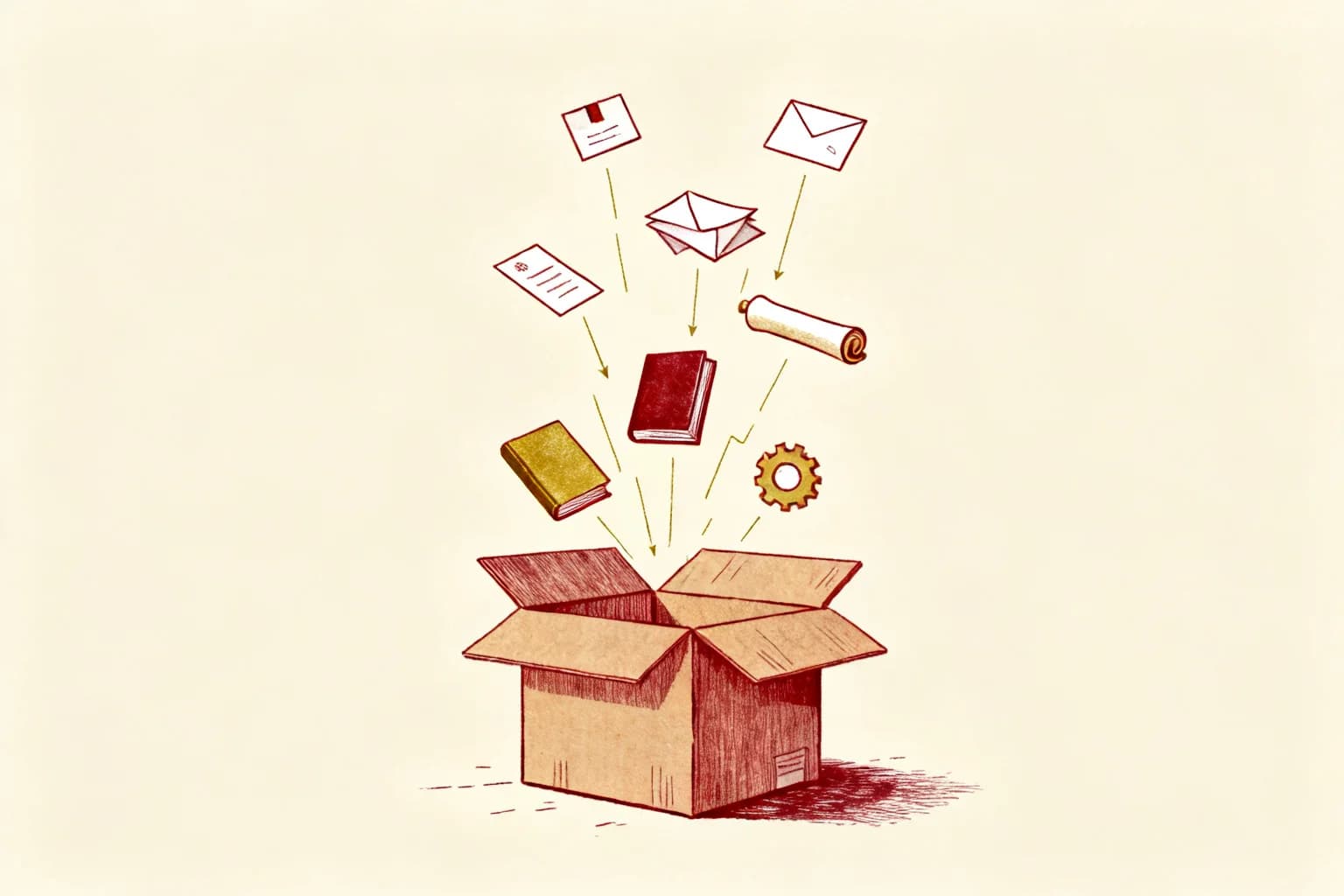
Moving day for a tavern is one button and one zip. Desktop SillyTavern's Download backup packs your entire data/<user>/ directory into a single archive — every character you collected, every conversation you kept, the worldbooks, the presets, the regex scripts you forgot you wrote. Import that zip into Foreverse and the tavern reassembles itself on the phone. This post is the unpacking manifest: each folder in the zip, what it becomes on Android, and the two things that stay in the box on purpose.
characters/ — the residents
Every *.png and *.json in here goes through the same importer as a single-card import: v1, v2, and v3 cards all parse, embedded character books included. Each card lands twice, by design: once in the character library, once as a ready chat world. That is the same double-write the in-app import does. Cards that fail (usually a PNG whose metadata was stripped somewhere in its past life) are reported by name, not silently skipped; the count at the end tells you exactly what made it.
chats/ — the part you actually care about
This folder is why you migrate with a backup instead of re-downloading cards. ST stores conversations as chats/<character name>/*.jsonl, one file per session. The importer matches each folder to a character imported in the same batch and restores its sessions as archived chat branches on that character. Open the character, and the history you built over months is there to scroll, reference, or continue. Chats belonging to characters that didn't import (or weren't in the zip) are skipped rather than guessed at; a chat attached to the wrong character would be worse than a chat left behind.
worlds/ — the lore
Standalone World Info files become entries in the global worldbook library, available to bind to any character, not just the one they shipped with. Card-embedded character books were already handled in the characters/ pass; this folder is for the worldbooks you maintained as separate files.
OpenAI Settings/ — presets, shelved not armed
Prompt presets import into the preset library as an archive. Deliberately, none of them auto-activate: a preset that silently overrides the phone's defaults on arrival is the kind of surprise that takes an evening to debug. They sit in the library; you enable the one you want.
QuickReplies/ and settings.json — the automation layer
Quick Reply sets attach to each character world imported in the batch, visible at global scope — the QR v2 format desktop ST uses is the format the phone runs. From settings.json exactly one thing is read: extension_settings.regex, your global regex scripts, which continue doing on the phone whatever text surgery they did on the desktop. The rest of the file — UI preferences, theme state, sampler defaults tuned for a desktop screen — stays behind.
What deliberately doesn't move
Themes, backgrounds, and user avatars are desktop furniture; the phone has its own. Group chats have their own JSON import with different semantics, so the backup pass leaves them to it. And secrets.json — the file holding your API keys — is never read at all. Keys re-enter by hand on the phone and live AES-encrypted in the device Keystore; a migration tool that quietly copies credentials is a migration tool you should distrust.
Don't wipe the desktop yet. Verify two things first: open an old character and scroll its archived branch back to the earliest message; then send a line containing one of your regex trigger words and watch the script rewrite it. Both pass, and the zip has done its job — keep it anyway, since your worlds are files, that zip is also your rollback point.
FAQ
Where is the backup button in desktop SillyTavern?
User Settings → Download backup. It zips your entire data/<user>/ directory — characters, chats, worldbooks, presets, Quick Replies, extension settings — into one file. That zip is the input for the whole migration.
Do my chat histories survive the move?
Yes — that is the point of using the backup zip instead of re-importing cards one by one. Each character's chats/*.jsonl files are restored as archived chat branches on that character, so a 400-message history from the desktop is scrollable on the phone.
My zip has an extra folder layer inside. Will it still import?
Yes. The importer expects ST's own layout (characters/, chats/, worlds/ at the zip root) but also detects the common case where you zipped the parent folder by hand, and strips the shared prefix automatically.
Is anything read that shouldn't be?
secrets.json — the file where desktop ST keeps your API keys — is never read. Keys don't belong in a migration; on the phone you re-enter them once and they live AES-encrypted in the device Keystore.
Is zip import free?
Full-backup zip import and export sit in the Pro tier (single cards, links, and folder scanning are free within the three-card limit). One backup restore on moving day is the typical use.
Questions or ideas? Join our Discord →