
Your AI companion has a phone
A walkthrough of the mini-phone: the seven-app grid on your companion's phone (diary, texts, browser history, shopping receipts) behind a lock you have to talk your way past, the hand-your-phone-over ritual with five consent toggles and a hard no-photos rule, a narrative wallet that starts at ¥1000 and actually balances, and two ways to make a voice call. Every cost and every default, stated plainly.
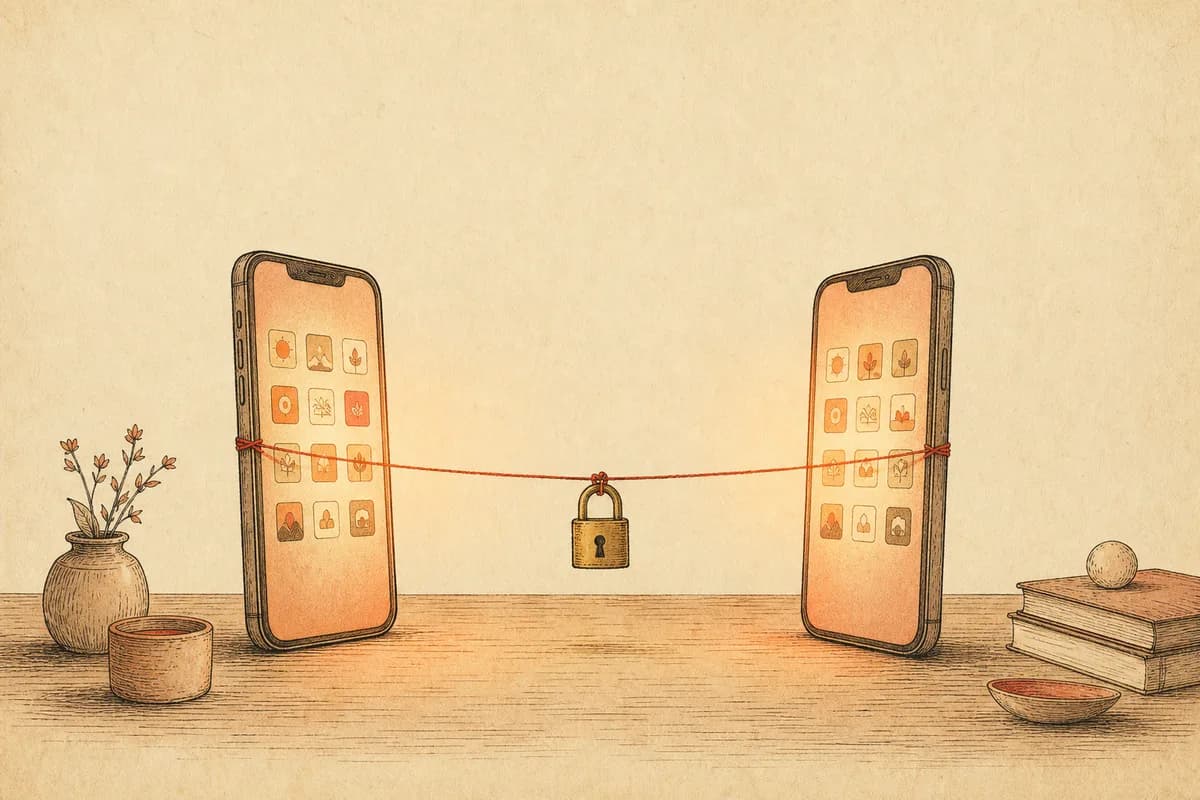
Half past ten on a Tuesday. Your companion mentions, in passing, that they picked up a book of poems at a secondhand shop today. You ask which one. They dodge. And now the phone icon in the chat's top bar is staring at you, because the answer is almost certainly sitting on their phone — in the diary, or on a shopping receipt.
Most companion apps stop at the chat window. The character exists while typing at you, and nowhere else. The mini-phone is our bet on the opposite: a companion who plausibly has a Tuesday — texts from friends, a browser history, small purchases — is easier to believe at 10:30 p.m. than one who materializes when pinged. So there are two phones. Theirs, which you can unlock and snoop through. And yours, which you can hand over and let them react to. Different rules for each; every cost stated before it happens. Here's the whole loop, in the order you'd actually play it.
A lock you have to talk past
First tap usually hits a lock screen: their wallpaper, an unread count, no grid. There is no passcode. If affection is too low, the phone stays shut, and the two buttons on the lock screen tell you what to do about it — one sends you back to chat to make your case in your own words, the other, once you think you've earned it, asks them to decide. The verdict runs on their persona, the affection level, and what you two have actually been talking about. A refusal is an in-character refusal. The judgment is one text-model call, behind a cost confirm.
High enough affection and the lock simply isn't there — they hand it over. The lock was never security; a phone anyone can flip through isn't worth flipping through.
Seven apps, one billing rule
Past the lock: diary, schedule, texts, browser history, album, moments, shopping receipts, plus an app store to add or remove tiles.
The billing rule is uniform. The four generated apps — diary, schedule, texts, browser history — cost one text call each on first open, always behind a confirm dialog, and cache to your device so every reopen is free. The album and moments feed aggregate photos and posts that already exist, free. Receipts are free too, and auto-fill with the day's entries: small things bought with their own allowance, each line reconciling against their wallet ledger, including anything they bought for you.
Of the four paid apps, the sleeper hit is browser history. The diary is what they chose to write down; the search bar is what they didn't plan to show anyone. Late-night questions, a page title opened four times. It reads more honest than the diary does. The texts app holds full back-and-forth threads with their friends, and if a thread ends too soon there's a “continue” action — which triggers another confirm, another call.
Handing yours over
Under the chat's “+” panel, “Take out my phone” opens your side: moments, wallet, mall, forum, contacts, games. No lock — it's yours. The interesting row sits above the grid: “Hand it to them”.
Before anything moves, you check consent boxes, one per surface: moments summary, milestone memories, contacts overview, bookshelf titles, gallery. One boundary is worth stating plainly: what they receive is a locally computed digest — snippet lines, book titles, generation counts. Photos you uploaded never enter the projection, no matter which boxes you tick. Chat logs aren't a surface at all.
Confirm the cost and the browse plays out in the chat stream — “flipping through your phone”, a read-out and a private aside per surface, a take-it-back button live the whole time. At the end they say what they actually think, and that line enters the chat history. Pricing is one text call per surface plus one for the final reaction; once per day, and during quiet hours they're asleep and won't take the phone. The reactions have teeth: a contacts page where some other companion out-chats them reads as jealousy, your moments mentioning their name reads as a flutter, your bookshelf earns commentary. When we verified this chain on a real device with two surfaces checked, the meter read three text calls — two surfaces plus the reaction — exactly what the confirm dialog had quoted.
Story money that balances
Transfers, red packets, and gifts in the “+” panel, and orders in the gift mall, run on a narrative wallet. Yours starts at ¥1000. When they accept a transfer, your balance drops and theirs rises, one ledger line on each side, reconciled to the fen. When they decline — personas decline, it's half the fun — nothing moves and the card in chat fades.
To be unmistakable about it: this is story currency, walled off from real credits and real billing. Which is why it gets story-grade freedom — the wallet page lets you edit the balance outright (the edit leaves a ledger line), and you can spend below zero. A negative balance is plot material, not an error state. The real money is elsewhere: each of their responses is an AI call, priced and confirmed before it runs.
Allowance income exists, too. The service account pinned at the top of your companion directory takes a daily check-in — ¥1.88 to start, rising with your streak, capped at ¥5, zero AI calls. And once you have two or more companions, the mall unlocks a third move: ask this companion to spend their own allowance on a gift for another one. If they agree, the recipient reacts in their own chat, and the service account logs the delivery.
Two ways to call
The phone icon next to the mini-phone entry starts a voice call. A pre-dial dialog offers two modes and remembers your pick. With an xAI key configured, real-time mode appears: their voice streams back live, you can cut them off mid-sentence, hold to talk, and the line survives a network drop. It bills by the minute — about $0.05, on your own key, paid upstream directly, and stops the moment you hang up. Without that key, classic walkie-talkie mode: hold to speak, speech-to-text, one reply at a time in their bound voice with rolling subtitles, billed per turn. Both modes have subtitles and a type-instead keyboard, and the call's duration lands in the chat log like a receipt.
The world doesn't pause with the app
Their forum — reachable from the profile page — is where they and their NPC friends post and pile into threads, across three tabs. First open generates a screenful behind a quoted confirm; replying and refreshing bill per call. The cast is yours to shape: the companion directory has an NPC roster where you add friends by name and one-line persona, up to twelve per companion, free.
Two switches ship off, for people who want the world to surprise them. “Uninvited guest”: with it on, a friend of theirs occasionally butts into your one-on-one chat — a separate small bubble, clearly labeled, never impersonating your companion; rare, and capped at one a day. “Continuous world tick”: the world advances once a day in the background — new forum posts, a new moment — behind an upfront cost confirm with a monthly ceiling, and it pauses itself if you haven't visited in three days rather than burn money for an empty room.
The tab, totaled
The evening above: one call for the unlock verdict, two for diary and browser history, three for a two-surface phone hand-over, plus the voice call in whichever mode you picked. Album, moments, receipts, check-in, wallet edits — free. Every paid step showed a confirm first, and every one of them is queryable afterwards in the app's API request log. BYOK bills at your provider's list price; the official channel debits credits per call.
One design choice we'll defend as deliberately stingy: even with the gallery box checked, a phone hand-over shares statistics and text descriptions of your generated images, never the images themselves. If you want them to actually see a photo, you send it in chat, where the image goes to the model you chose — a different lane with different rules. On the hand-over lane, nothing you've uploaded ever leaves the device. What they remember from all of this feeds the same memory system as everything else — inspectable, editable, yours.
FAQ
What is the companion's phone, and where do I find it?
It's a phone icon in the top bar of the companion chat. Behind the lock screen sits a seven-app grid: diary, schedule, text threads with friends, browser history, photo album, moments feed, and shopping receipts. If affection is too low, the phone stays locked — you go back to chat, make your case, then ask them to decide. There's a second phone too: yours, under the '+' panel, which you can hand over for them to browse.
Does reading the diary or texts cost anything?
First open, yes; rereads, no. Diary, schedule, texts, and browser history each cost one text-model call on first open, behind a cost-confirm dialog, and the result is cached on your device so reopening is free. The album, moments feed, and shopping receipts are free aggregations. The unlock verdict itself is one text call. BYOK bills at your provider's rates; the official channel bills in credits.
If I hand my phone over, can they see my photos or read my chats?
No. The five consent toggles (moments summary, milestones, contacts overview, bookshelf titles, gallery) share locally computed summaries only — snippet lines, book titles, generation counts. Photos you uploaded never enter that projection, under any toggle. Authorization is single-use, expires when they finish, is limited to once per day, and you can take the phone back mid-browse.
Is the wallet money real?
No — it's story money. Your wallet starts at ¥1000 in narrative currency; when the companion accepts a transfer or red packet, your balance drops and theirs rises, with matching ledger lines on both sides. Declines move nothing. It's fully editable on the wallet page, can go negative, and never touches real credits or billing. What does cost real money are the AI calls behind their responses, each behind a confirm dialog.
Questions or ideas? Join our Discord →