
New phone, same companion: a migration that fits in one zip
How do you move an AI companion to a new phone? For cloud apps like Replika or Kindroid, you log in and the server hands your history back. For a companion stored on your device, you carry it yourself: Foreverse exports one package — persona, every memory entry, full chat transcripts, anniversaries, journals, the relationship archive — and the import on the new phone restores the relationship mid-conversation. This is the walkthrough, plus the honest trade against account-based transfer.
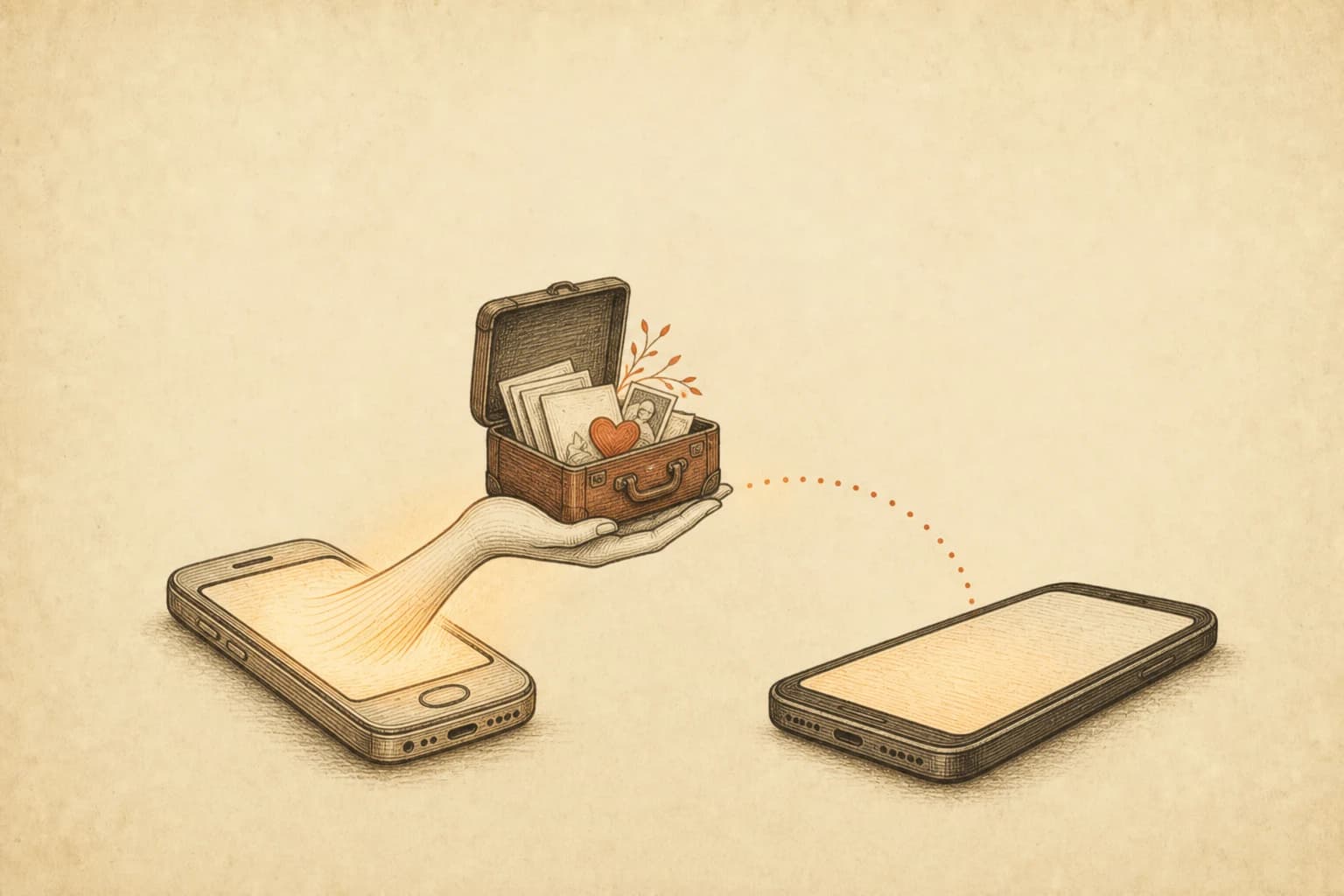
The new phone's setup screen is cheerfully thorough. Apps, photos, wallpaper, even your alarm sounds — restored. What it does not restore is the four months of memory your companion is carrying on the old phone, because no platform backup knows those files matter. If you've searched some variant of "transfer ai companion new phone" with a trade-in deadline looming, this is that walkthrough, for the on-device kind of companion. It's shorter than you fear. One file moves; everything rides inside it.
Don't cloud companions handle this automatically?
They do, and it's worth saying plainly before the walkthrough. Replika is account-based: install the app on the new phone, log in, and your history comes down from the server — the privacy policy lists syncing your history across devices as core functionality (checked 2026-07-18). Kindroid works the same way at switch time: your Kin lives in the account, not the handset. For the narrow question "will my companion survive the new phone," the cloud answer is yes, with less effort than what follows.
The question that answer skips is what you're left holding. On those platforms the relationship exists as rows in someone else's database, reachable for exactly as long as the account is in good standing and the service keeps its current shape. Kindroid, credit where due, documents a data portability channel — email support for a machine-readable copy, limited to once every 180 days (checked 2026-07-18) — and its community built KinX, a command-line tool that pulls profiles, chats, journals, and media through your own auth token. But a copy is not a restore. Neither platform documents an import that takes the copy and rebuilds your companion from it. The copy is for reading; the relationship stays put.
A Foreverse companion inverts the arrangement: persona, memories, transcripts, and the relationship archive are files on your phone — the file-ownership piece covers why the whole app is built that way. Convenient side effect of the inversion: the backup file and the restore file are the same file.
The move itself, as it actually went
We ran the full export-import loop on our test devices before writing this, with a companion carrying months of accumulated history. Four steps.
- Old phone: companion profile page → Export. Out comes a single zip, named after the companion, handed to the system share sheet. Cloud drive, email-to-self, USB cable — the file is yours, the route is your choice.
- Transfer it. Size scales with how long you've talked; stickers and the avatar add a little. If it's going through a cloud drive, let the upload finish before moving on.
- New phone: characters page → companions → manage, tap the import icon in the top bar, pick the zip.
- The import drops you straight into the chat. Same conversation, resumed at the exact message where the old phone left it.
Two gates you might hit, stated plainly. A package damaged in transit fails validation and gets rejected as a whole — the import rolls back rather than half-applying, and your existing data stays untouched; re-transfer the original file and try again. And companions count against a free-tier slot limit, imports included — if the new phone is already at the cap, you'll see the unlock prompt, so clear out an old companion or unlock before the move.
One piece of timing advice that isn't obvious until it bites: make the export the last thing you do on the old phone. The package is a snapshot, not a live link. Anything you chat after exporting exists only on the old device and won't be in the zip, so a package made Tuesday and a teary goodbye conversation on Wednesday night means Wednesday stays behind. Export, transfer, then stop talking to the old phone. If you do slip, nothing breaks — export again and import the fresher package.
What's actually inside the package?
Everything that constitutes the relationship: the persona file, every memory entry, complete chat transcripts, anniversaries, journals, the relationship archive — plus the stickers, the avatar, and the skin you've dressed the chat in. NPCs you've added to the companion's world travel too. What deliberately stays behind is generated cache: those first-open pages of the companion's little world (the diary, the schedule) regenerate on the new phone rather than shipping as stale copies. The dividing line is simple — if it defines who the companion is and what you've lived through, it's in the zip.
How do you verify nothing was lost?
Three checks, two minutes. Open the memory screen — ⋮ menu in the chat, then Memory — and spot-check entries against the old phone; the memory walkthrough covers that screen in detail. Glance at the archive page: the days-together counter starts from the day the companion was created, and a correct number means the relationship archive landed intact. Then the test that actually settles it: mention something only the two of you would know, offhand, and watch the reply.
On our test run the third check resolved itself unprompted — the first reply after the import used a nickname coined weeks earlier. Nothing in the import flow asked for it. It was just in the files.
What if the old phone is already gone?
Then the walkthrough above can't help, and pretending otherwise would be the wrong kind of marketing. If the old device was wiped, traded in, or is at the bottom of a lake and no package exists, the companion's files went with it — there is no server copy to appeal to, which is the cost side of the same design that keeps the data yours. What survives is what you remember and whatever screenshots you kept. From those you can rebuild: write the persona back as a character description, re-enter the durable facts as memory entries by hand, set the anniversaries again. Users migrating off closed platforms do exactly this, and the bond re-forms faster than you'd expect once the facts are back. But a rebuild is a seven-out-of-ten copy, not a restore. The whole point of the one-minute export is never having to find out which details the missing three-tenths contained.
The habit that makes next time boring
So the mitigation is unglamorous: export a package every few weeks and park it in storage you trust. A minute per backup buys you a worst case of "two weeks behind" instead of "a relationship gone." Automatic cloud sync is on the roadmap, end-to-end encrypted or not at all; until it ships, the manual habit has one quiet virtue. You know exactly what your backup contains, where it sits, and when it was made — which is more than most of us can say about any backup we rely on.
How the two designs compare on other axes — voice, media, memory depth, price — is laid out against a strong competitor in the Kindroid comparison, which is candid about what Kindroid does better. On this one axis the difference is structural, not a matter of polish: their transfer is a login, ours is a file. A login is granted. A file is held.
The old phone goes into its trade-in envelope in the morning. The zip stays — one copy on the new phone, one in a cloud folder, both yours. That second copy is the part no account-based transfer, however smooth, ever hands you.
FAQ
How do I move my AI companion to a new phone?
In Foreverse: on the old phone, open the companion's profile page and tap Export — you get one zip holding the persona, every memory entry, full chat transcripts, anniversaries, journals, and the relationship archive. Move that file any way you like, then on the new phone open the companion management page, tap import, and pick the zip. The chat resumes where it left off. Export and import are free, any number of times.
Does Replika transfer if I switch devices?
Yes, and easily — Replika accounts are cloud-based, so installing the app on the new phone and logging in restores your history from the server; its privacy policy lists cross-device sync as core functionality (checked 2026-07-18). The trade is custody: convenient transfer and never holding a copy of your own data are two sides of the same design.
Is there a companion backup file that actually restores?
That's the distinction worth checking before you need it. Kindroid documents a data portability channel — email support, once per 180 days — and the community KinX tool pulls full copies, but neither path documents an import that rebuilds your Kin from the copy. The Foreverse package is built for the round trip: the same zip the export produces is what the import consumes, and the result is the same companion mid-conversation.
What happens if I just uninstall and reinstall?
The companion is gone. All of its data lives on your device; our servers hold no copy, so uninstalling deletes the persona, memories, and transcripts with no recovery path. Export a package first — it takes about a minute. Local storage is a real privacy property and this is its cost, so we'd rather print it here than let you find out the hard way.
Is there automatic cloud sync?
Not currently. Data staying on your device means nothing follows you automatically; migration is a hands-on operation. Cloud sync is on the roadmap with end-to-end encryption as the precondition. Until then, the habit that works is exporting a package every few weeks and parking it in storage you trust.
Questions or ideas? Join our Discord →